
How to Use Your Vanilla Gift Card Online: A Step-by-Step Guide
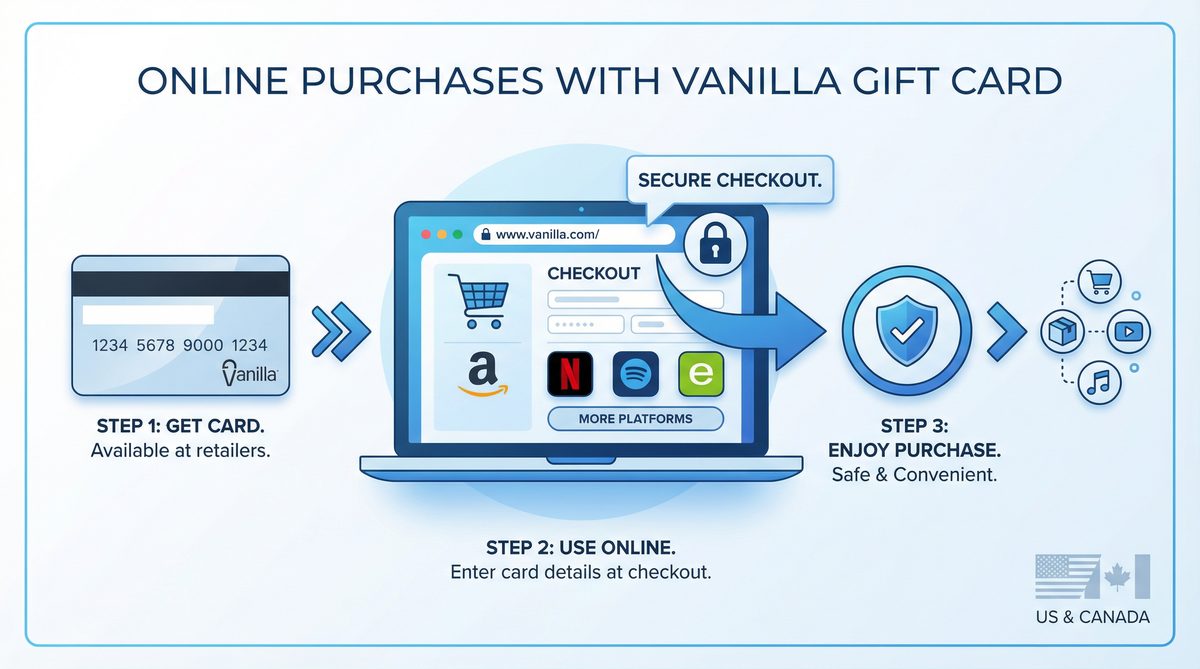
Vanilla Gift Cards are a popular and convenient way to give the gift of choice. But if you're new to using them, you might be wondering how to redeem them online. This comprehensive guide will walk you through everything you need to know about using your Vanilla Gift Card for online purchases, from checking your balance to making payments on popular sites like Amazon and Netflix.
Before You Start: Checking Your Balance and Registering Your Card
Before you can start shopping, there are two important first steps: checking your card’s balance and registering it online. Most Vanilla Gift Cards need to be registered with a ZIP code to be used for online purchases. This is a security measure to prevent fraud.
- Check Your Balance: Visit the official Vanilla Gift Card website (check the back of your card for the correct URL) and enter your card number, expiration date, and CVV to see your available balance.
- Register Your Card: While on the card issuer's website, look for an option to "Register Your Card" or "Assign a ZIP Code." Enter your ZIP code to associate it with your card for online transactions.
How to Use Your Vanilla Gift Card on Amazon
Amazon is one of the most popular online retailers, and using your Vanilla Gift Card is simple. You have two main options: add it as a payment method or reload your Amazon Gift Card balance.
Option 1: Add as a New Payment Method
- Log in to your Amazon account.
- Go to "Your Account" -> "Your Payments."
- Click on "Add a payment method" and select "Add a credit or debit card."
- Enter your Vanilla Gift Card number, the name on the card (you can use your own name), and the expiration date.
- For the billing address, use the address associated with the ZIP code you registered with the card.
- Save the card. It will now be available as a payment option at checkout.
Option 2: Reload Your Amazon Gift Card Balance
This is often the easiest method, as it avoids any potential issues with split payments if your purchase is more than your gift card balance.
- Go to the "Reload Your Balance" page on Amazon.
- Choose the amount you want to add (this should be the exact balance of your Vanilla Gift Card).
- Select your Vanilla Gift Card as the payment method.
- Confirm the transaction. The funds will be added to your Amazon account's gift card balance, ready to be used on any purchase.
How to Use Your Vanilla Gift Card on Netflix
You can easily use a Vanilla Gift Card to pay for your Netflix subscription. Here’s how:
- Go to the Netflix website and log in to your account.
- Navigate to your "Account" settings.
- Under "Membership & Billing," select "Manage payment info."
- Click "Add a payment method" and choose "Credit or Debit Card."
- Enter your Vanilla Gift Card details.
- Set it as your primary payment method.
Netflix will now charge your monthly subscription fee to your Vanilla Gift Card until the balance is depleted. Keep in mind that you'll need to add a new payment method once the gift card runs out of funds to avoid an interruption in your service.
Using Your Vanilla Gift Card on Other Websites
The process for using your Vanilla Gift Card on other websites is very similar to the one for Amazon. Here are the general steps:
- At checkout, select "Credit Card" or "Debit Card" as your payment method.
- Enter the card number, expiration date, and CVV.
- In the name field, you can typically use your own name.
- For the billing address, enter the address associated with the ZIP code you registered.
Tips for a Smooth Checkout Experience
| Issue | Solution |
|---|---|
| Transaction Declined | Ensure you have sufficient funds and that the card is registered with a ZIP code. Double-check that you entered all card details correctly. |
| Purchase Exceeds Balance | Some merchants don't allow split payments. If your purchase is more than your gift card balance, consider buying a store gift card for the exact amount on your Vanilla card first. |
| Authorization Holds | Gas stations and hotels may place a temporary hold on your card for an amount larger than your purchase. It's best to use a different payment method in these situations. |
Frequently Asked Questions (FAQ)
Can I use my Vanilla Gift Card at an ATM?
No, Vanilla Gift Cards are for purchases only and cannot be used to withdraw cash at an ATM.
What if my purchase is for more than the value of the gift card?
This is called a "split transaction." Not all online merchants support this. If you know your purchase will exceed your card's balance, it's best to first buy a digital gift card from that merchant for the exact amount on your Vanilla card.
Do Vanilla Gift Cards expire?
The funds on your card do not expire, but the card itself has an expiration date. If your card expires while you still have a balance, you can request a new card from the issuer.
Can I use my Vanilla Gift Card internationally?
This depends on the card. Some Vanilla Gift Cards are for use in the U.S. only, while others can be used internationally. Check the terms and conditions on the back of your card.