
How to Use Vanilla Prepaid Card Online - Complete Guide
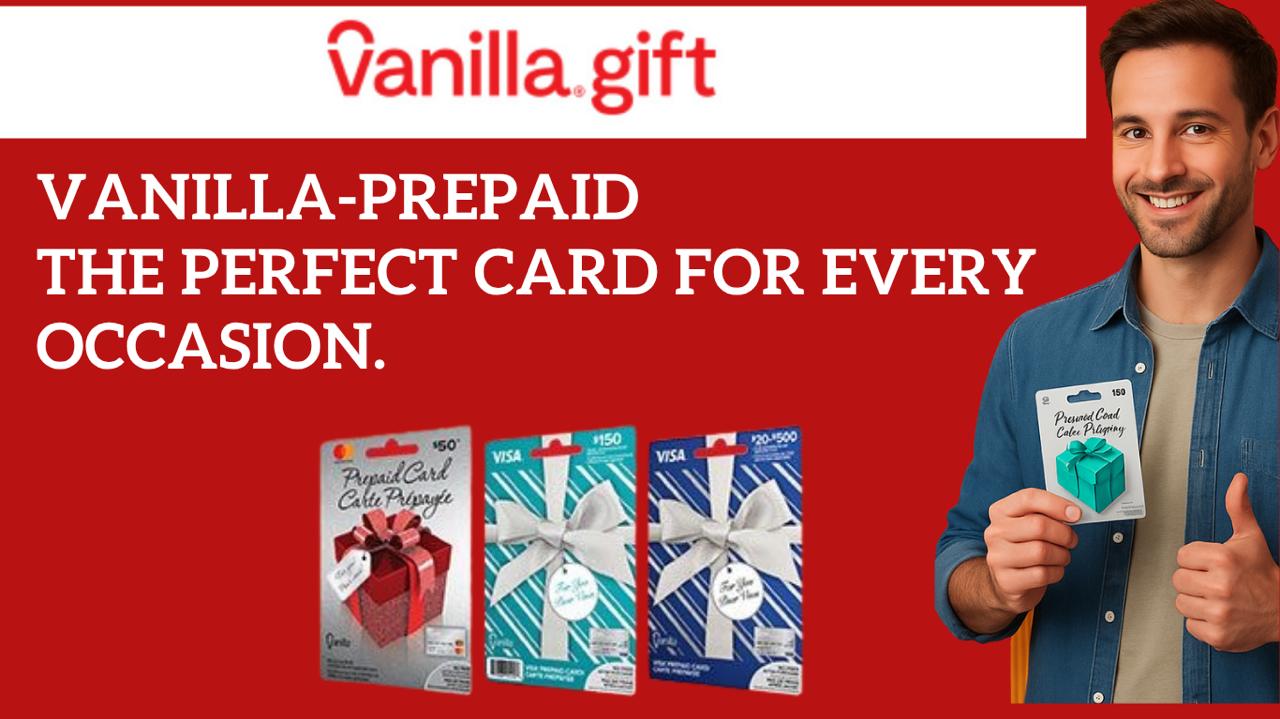
The Vanilla Prepaid Card is a safe and convenient alternative to traditional credit cards. It's accepted online at any merchant that supports Visa® or Mastercard® payments. Whether you're shopping for gifts, managing a budget, or making secure online purchases, Vanilla Prepaid Cards offer flexibility and security.
Step 1: Activate Your Vanilla Prepaid Card
Most Vanilla Prepaid Cards are activated at the time of purchase, but some may require activation. Follow these steps:
- Check the packaging for activation instructions
- Visit the official Vanilla website (printed on your card)
- Enter your card number and security code
- Follow the on-screen prompts to complete activation
- Your card will be ready to use immediately after activation
Step 2: Register Your Card for Online Use
To avoid payment declines and ensure smooth transactions, register your card with a billing address:
- Why Register? Many online merchants and subscription services require registered billing information to process payments
- How to Register: Visit the Vanilla website and enter your card details along with your billing address
- Important: Use the same address for all online purchases to prevent declines
- Security: Your information is encrypted and protected by Vanilla's security measures
Step 3: Shop Online with Your Vanilla Card
Using your Vanilla Prepaid Card online is as simple as using any regular Visa or Mastercard:
- Enter your card number (16 digits) during checkout
- Provide your expiration date (MM/YY format)
- Enter your CVV security code (3 digits on the back)
- Confirm your billing address matches your registered address
- Important: Ensure the total purchase amount does not exceed your available balance
Step 4: Check Your Balance Before Purchasing
Always verify your available balance before making a purchase to prevent declined transactions:
- Online: Visit the balance check website printed on your card (usually vanillagift.com or myvanillacard.com)
- No Login Required: Simply enter your card number and security code
- Instant Results: Your balance will display immediately
- Mobile App: Download the official Vanilla app for quick balance checks on the go
- Phone: Call the customer service number on your card for balance inquiries
Tips for Smooth Online Transactions
- Check Balance First: Verify sufficient funds before shopping to avoid payment declines
- Use Registered Address: Always use the same billing address you registered with for consistent approval
- Avoid International Purchases: If your card is limited to domestic use, avoid international merchants
- Keep Card Info Secure: Never share your card number, expiration date, or CVV with anyone
- Monitor Expiration Date: Check your card's expiration date regularly and replace before it expires
- Save Receipts: Keep transaction receipts for your records and dispute resolution
- Update Merchant Info: If changing cards, update your payment information with subscription services
What to Do If Your Card is Declined
If your Vanilla Prepaid Card is declined during an online purchase, try these troubleshooting steps:
- Check Your Balance: Verify you have sufficient funds for the purchase
- Verify Card Details: Ensure you entered the correct card number, expiration date, and CVV
- Confirm Billing Address: Make sure your billing address matches your registered address
- Contact Merchant: Some merchants have restrictions on prepaid cards; contact their support team
- Call Vanilla Support: Reach out to Vanilla customer service for assistance
- Try Another Merchant: Attempt the purchase at a different retailer to test your card
Vanilla Prepaid Card Features & Benefits
- ✅ Accepted worldwide at millions of merchants online and in-store
- ✅ No credit check or bank account required
- ✅ Secure prepaid format - spend only what you load
- ✅ Available in multiple denominations ($25-$500)
- ✅ Perfect for gifts, budgeting, and controlled spending
- ✅ No hidden fees for basic usage
- ✅ Funds never expire on most Vanilla cards
Frequently Asked Questions About Vanilla Prepaid Cards
Can I reload my Vanilla Prepaid Card?
It depends on the type of card. Standard Vanilla Prepaid Cards are not reloadable - once the balance is spent, the card is done. However, MyVanilla Reloadable Cards can be reloaded multiple times using Vanilla Reload at participating retailers.
How long is my Vanilla card valid?
Most Vanilla Prepaid Cards are valid for several years from the date of purchase. Check your card's expiration date (MM/YY format) printed on the front. Some cards may have funds that expire, so check your card's terms.
Is it safe to use my Vanilla card online?
Yes, Vanilla Prepaid Cards are safe for online shopping. Since they're prepaid, you're not risking access to a bank account. Your card number is protected by Visa or Mastercard security features, and most online retailers use secure encryption for transactions.
Can I use my Vanilla card at ATMs?
Most standard Vanilla Prepaid Cards cannot be used at ATMs. However, MyVanilla Reloadable Cards may have ATM access depending on your card type. Check your card's terms or contact Vanilla support for specific details.
What if I lose my Vanilla card?
Contact Vanilla customer service immediately to report your lost card. They can freeze your account and may be able to issue a replacement card. This is why it's important to keep your card information secure and know how to contact support.
Getting Started with Vanilla Prepaid Cards
Ready to use your Vanilla Prepaid Card? Follow these simple steps:
- Purchase your Vanilla Prepaid Card at a retail location
- Activate your card online or by phone
- Register your card with a billing address
- Check your balance online
- Start shopping with confidence!
Need Help? If you have questions about using your Vanilla Prepaid Card, visit the official Vanilla website or contact their customer support team. They're available to help you maximize your card's benefits and resolve any issues.